 Sparkle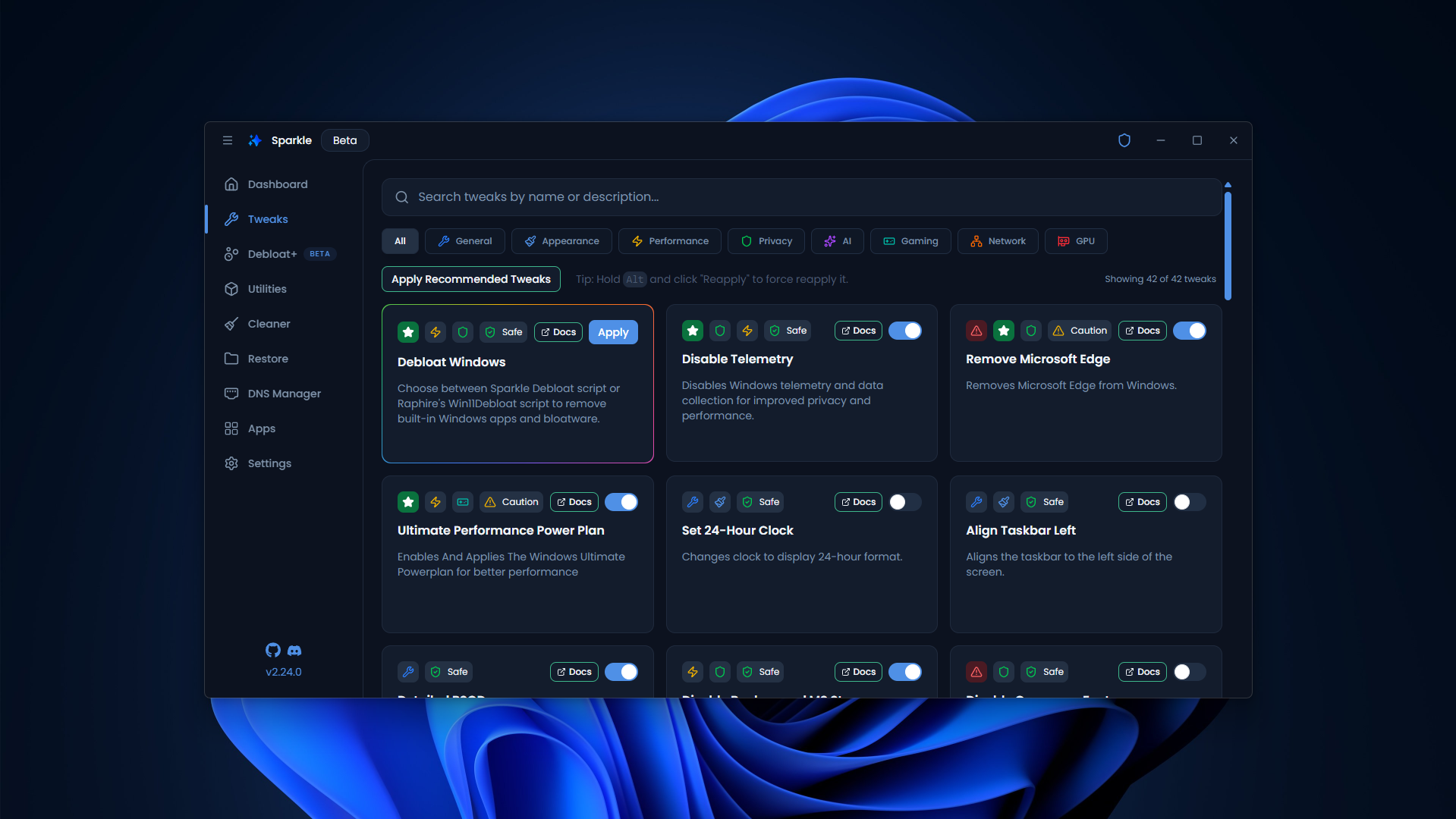
Windows debloating
Select unwanted preinstalled apps rather than removing everything at once.
Practical Sparkle Debloater guides for removing unwanted apps, reviewing privacy settings, cleaning temporary files, and understanding Windows optimization safely.
Independent Windows software information. Review changes and create a restore point first.
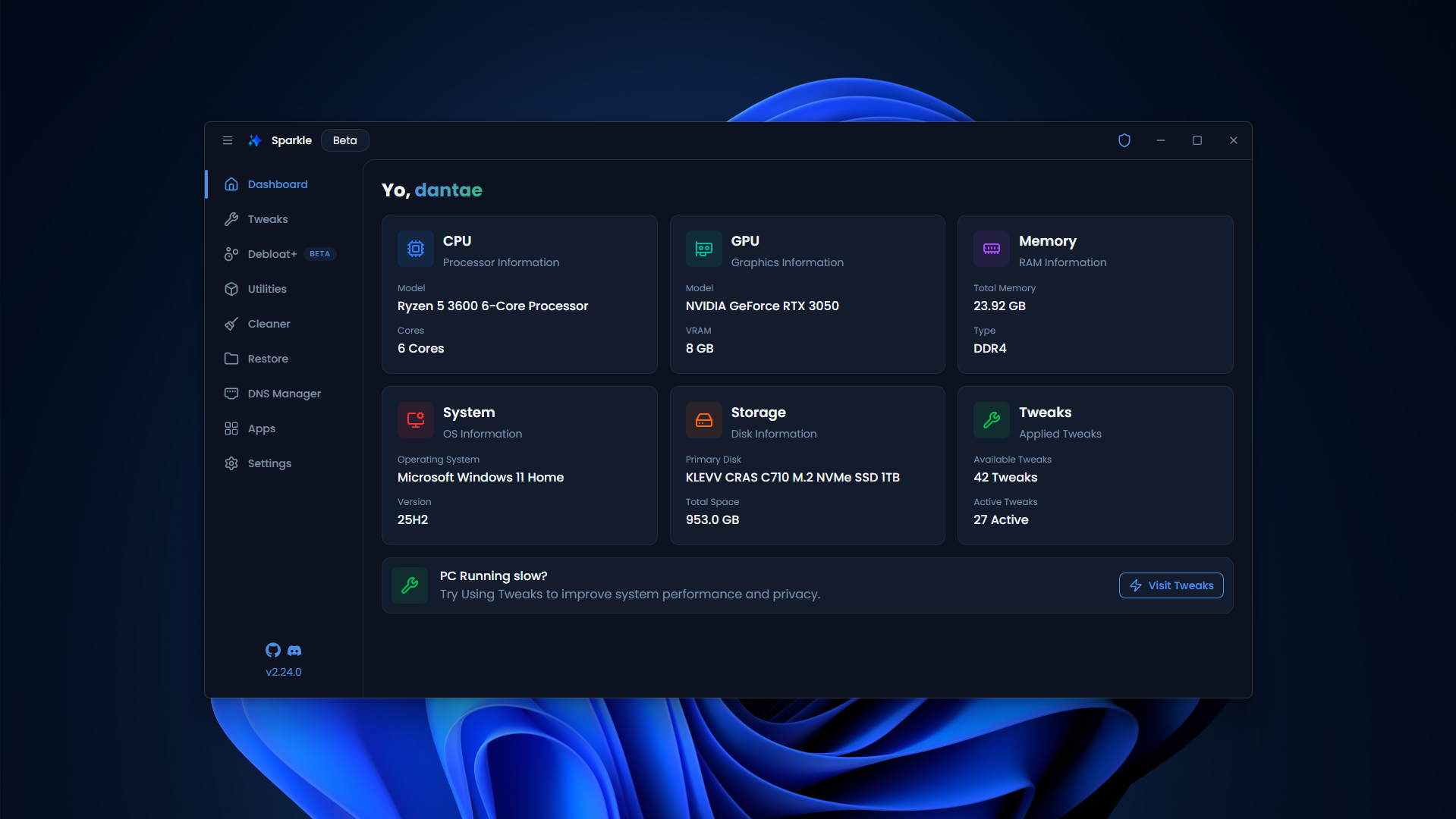
Understand the function, possible side effects, and rollback options before you apply a tweak.
Select unwanted preinstalled apps rather than removing everything at once.
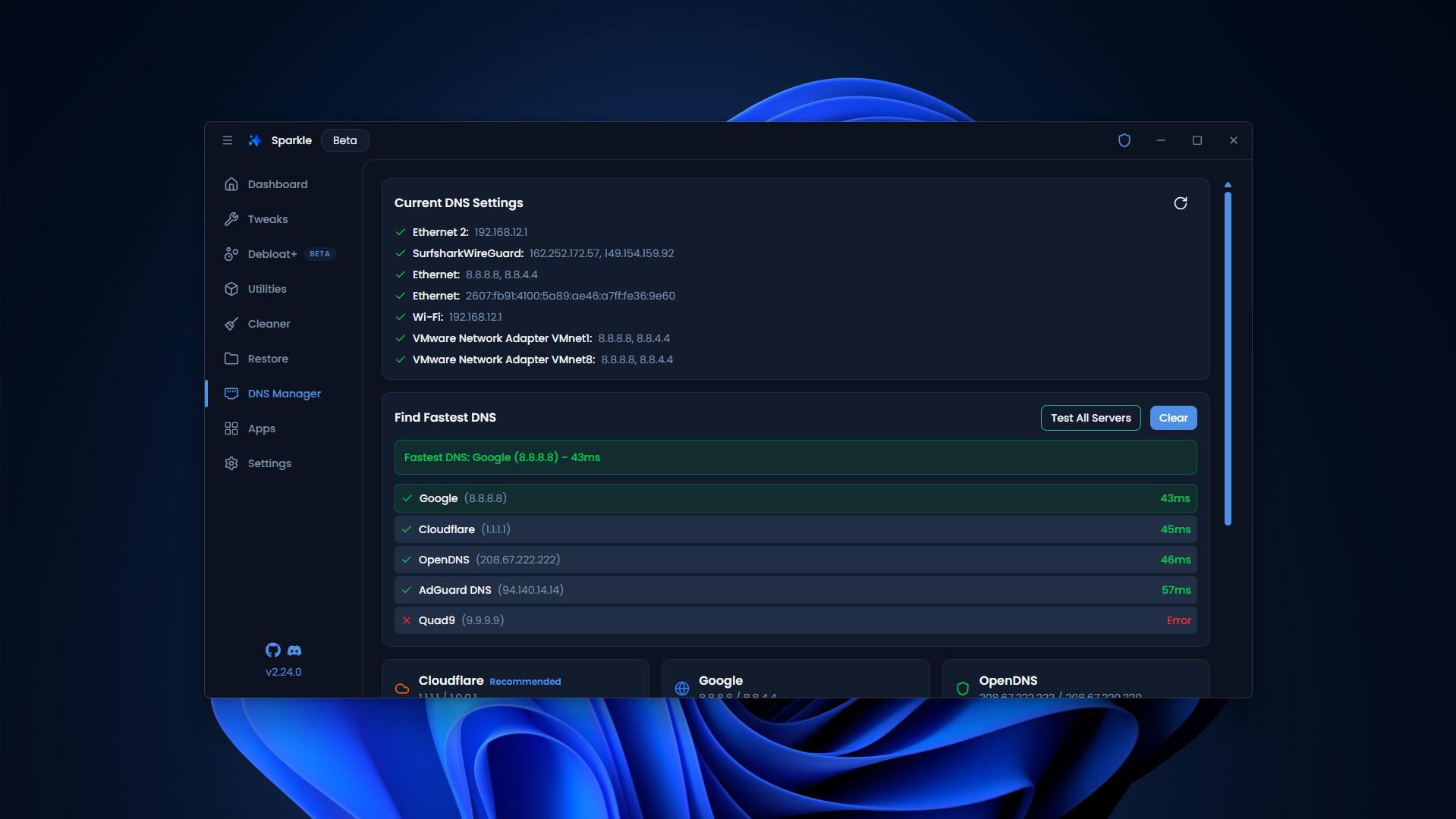
Review telemetry-related options and understand their trade-offs.
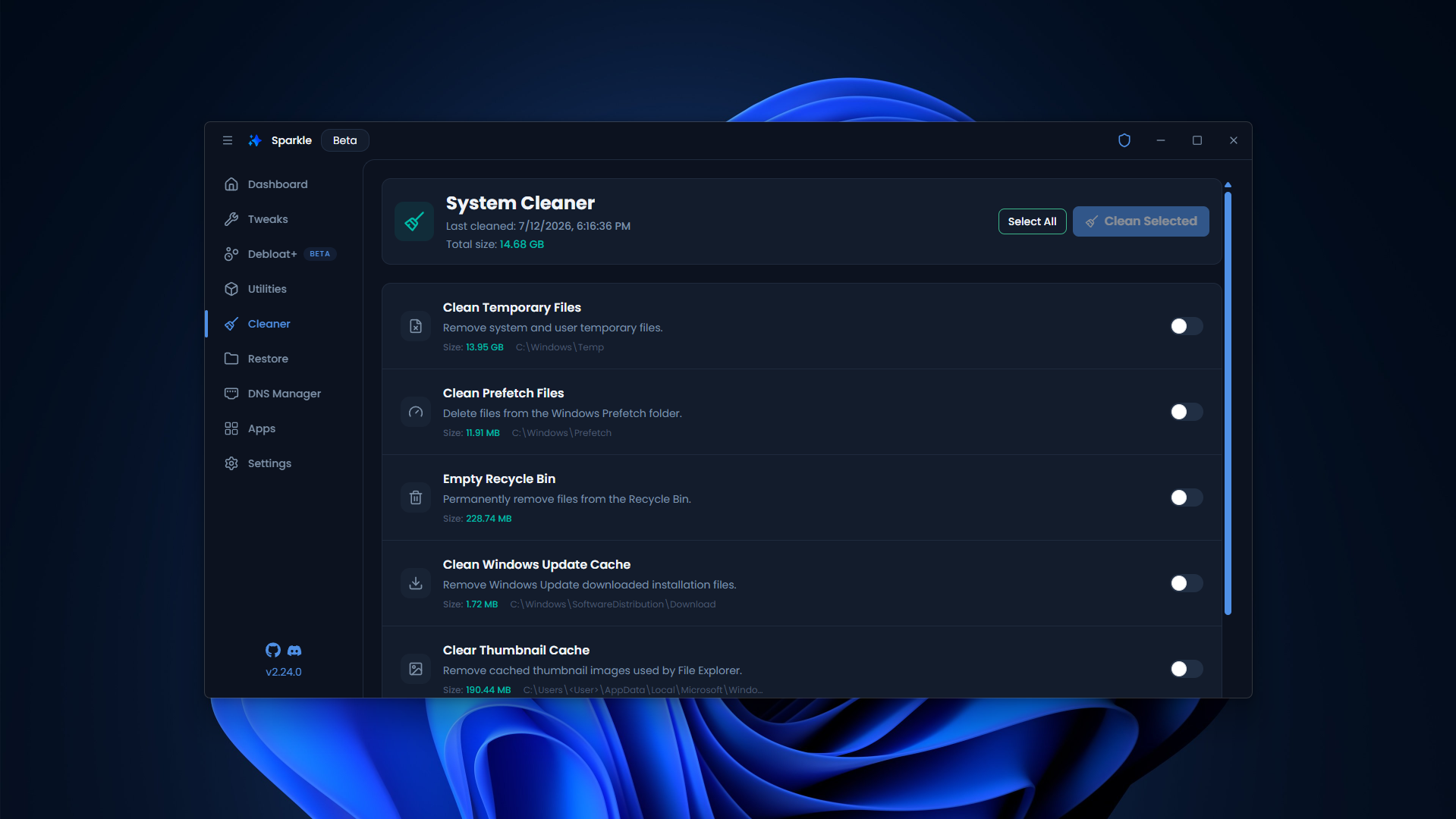
Identify expendable temporary files while keeping personal documents.
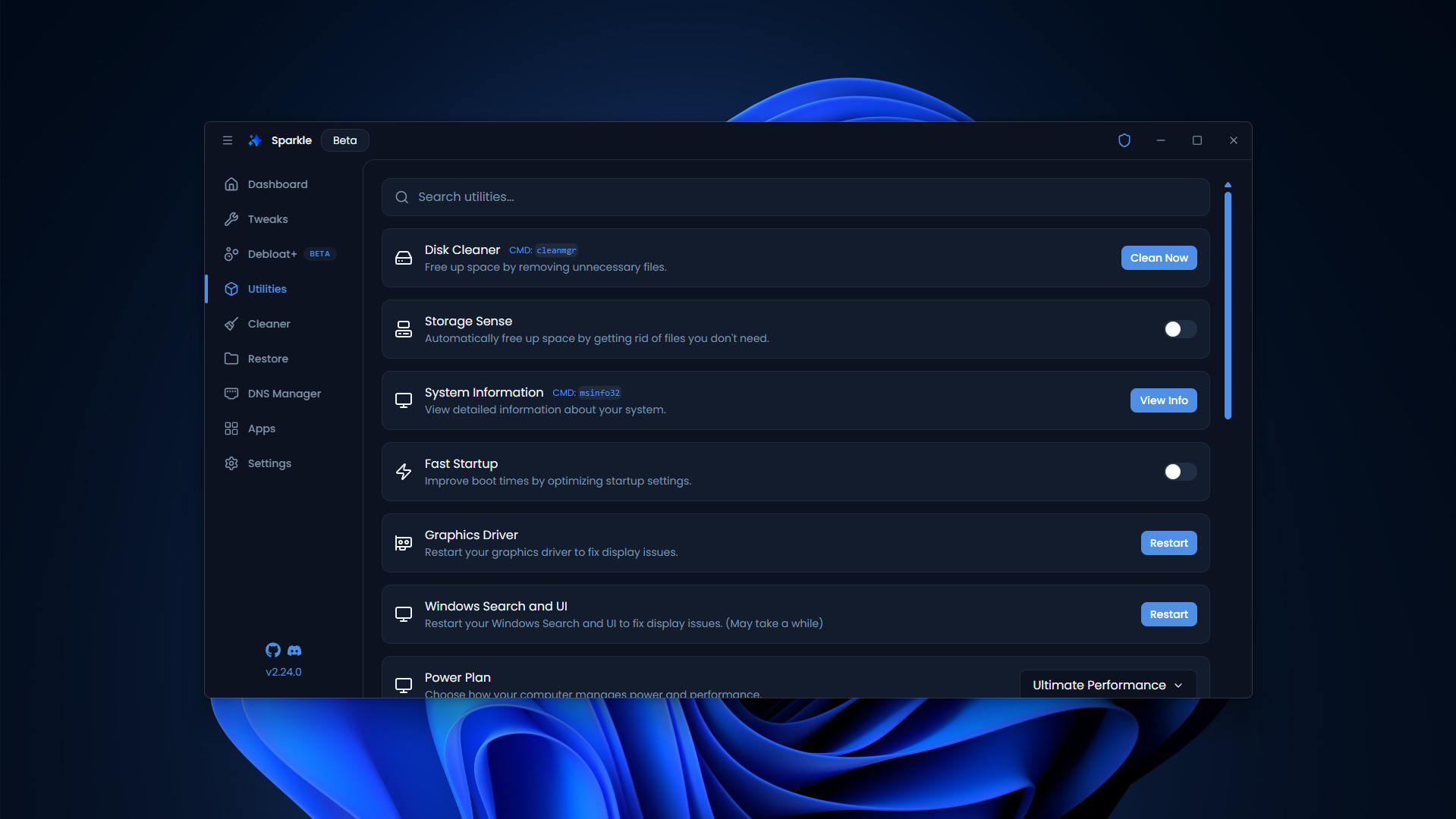
Access built-in Windows maintenance tools and diagnostics.
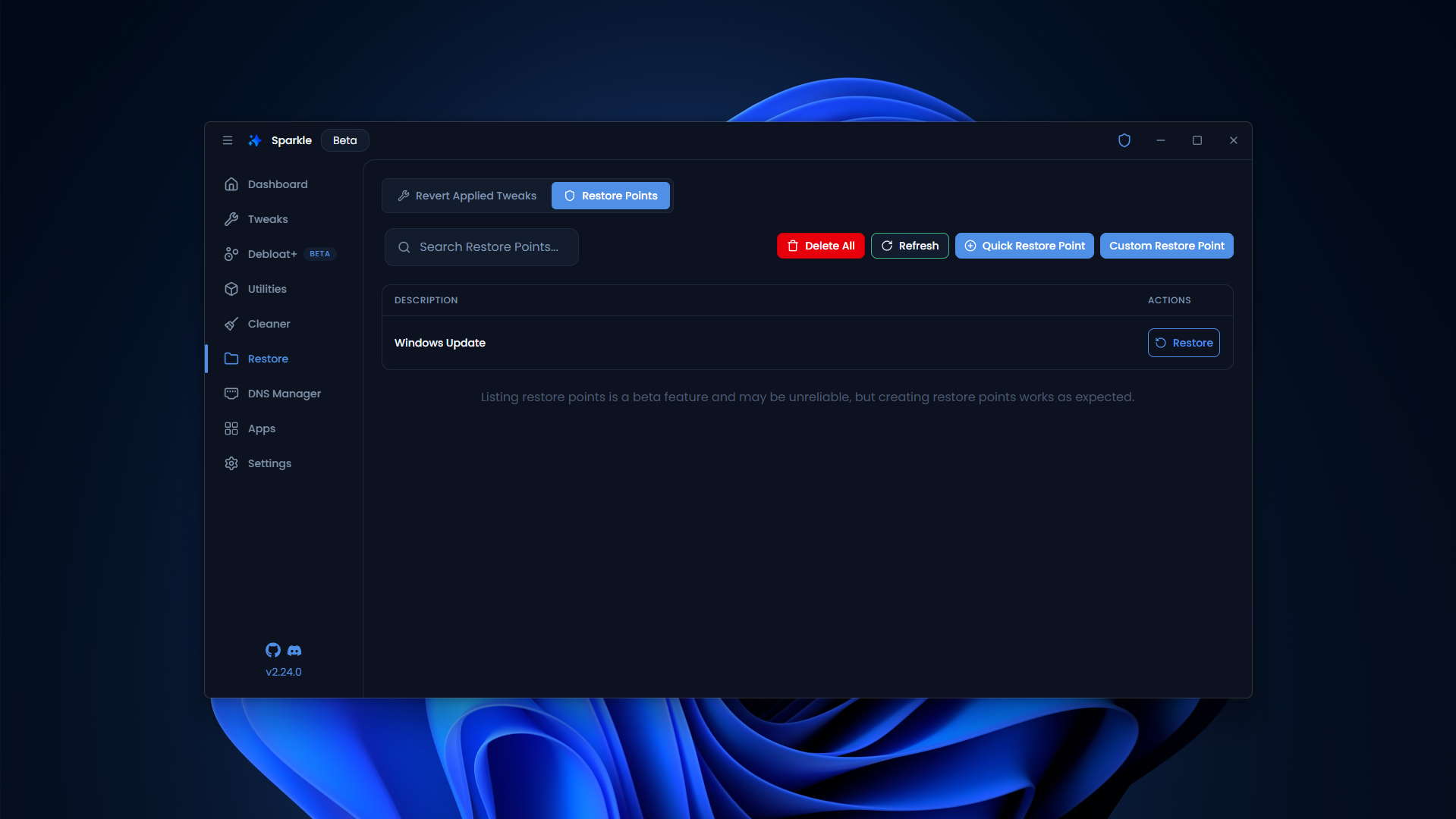
Create restore points and consider rollback options before changing settings.
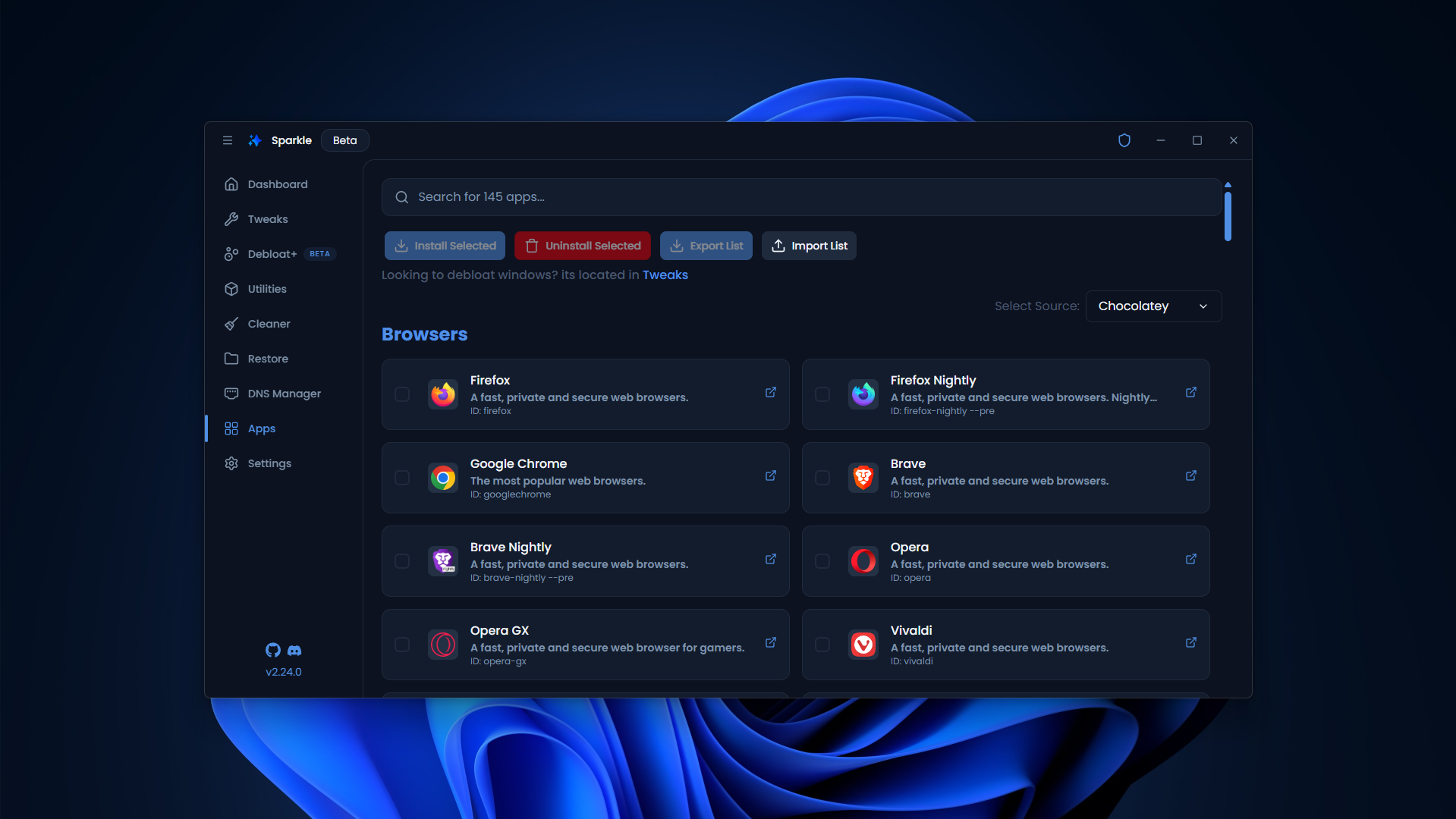
Explore software installation workflows through package managers.
Helpful articles for Windows debloating, cleaning and troubleshooting.
Understand Sparkle Debloater, what it can change in Windows, and where to start safely.
A conservative Windows 11 debloating workflow with checks and recovery advice.
Learn to review optional Windows 10 apps without disrupting daily work.
Get started with Sparkle and review settings before applying optimization options.
A practical decision checklist for preinstalled Windows applications.
Understand temporary files, caches and what should not be deleted.